One powerful broadcast ecosystem

Every camera.
One live story.

Direct, switch and stream from your phone, tablet or desktop. LivCast brings every camera operator into one production—without expensive broadcast infrastructure.

Go live where your audience already is.

FacebookYouTubeCustom streamRecord locally

The LivCast family

Choose your director.
Keep every camera.

Start in your pocket, move to a larger canvas, or build a complete studio. The Camera Man side connects to all three director experiences.

Available on Android

A studio in your pocket.

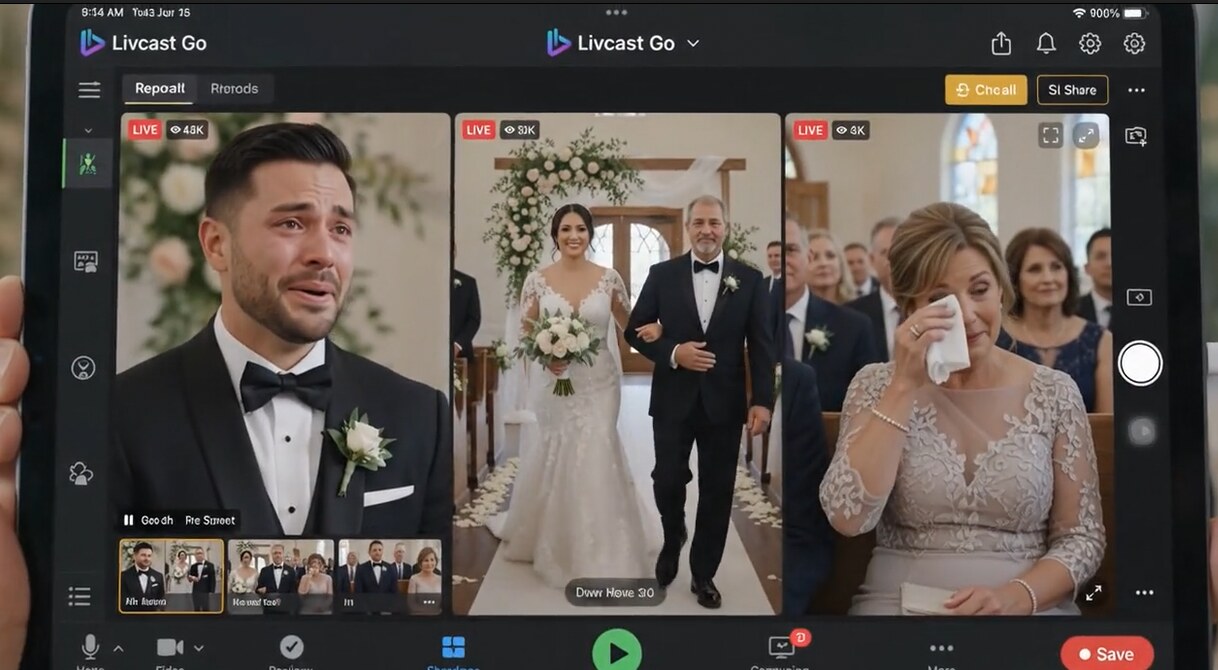
LivCast Go has two sides: Director builds the show, while Camera Man captures and sends footage. Connect up to four smartphones and cut between every angle from one phone.

4 camerasSmartphone operators
Phone-firstPortable director desk
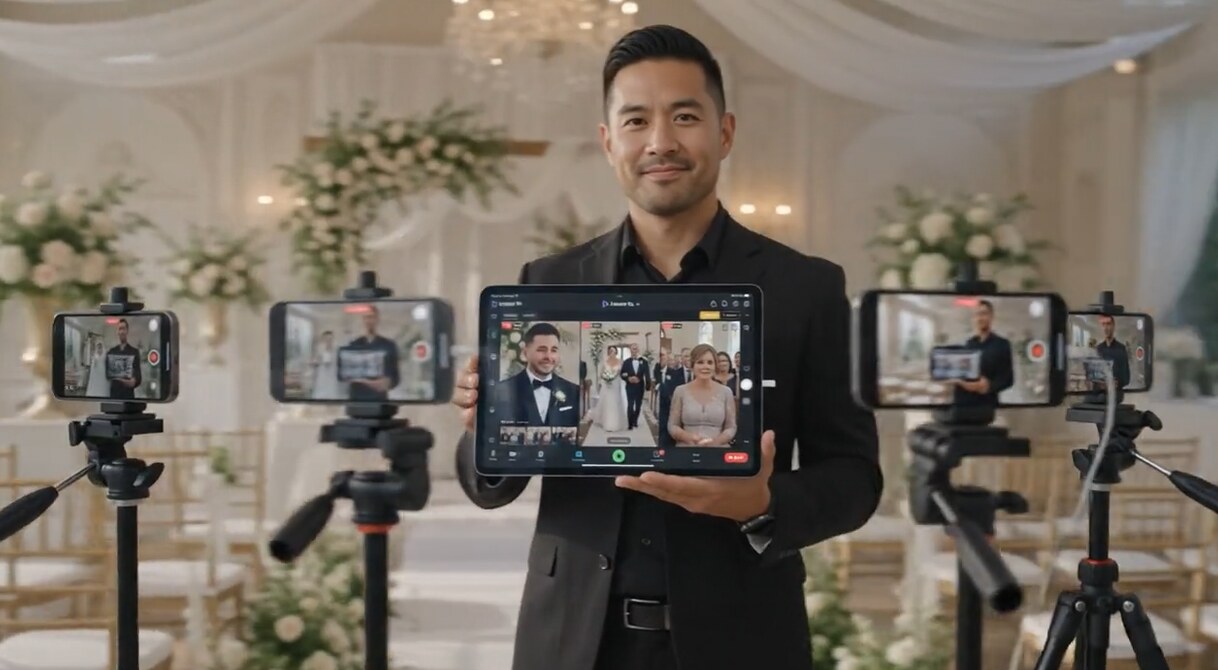
LivCast Go multi-camera wedding production
Direct and capture from the devices already in your crew.
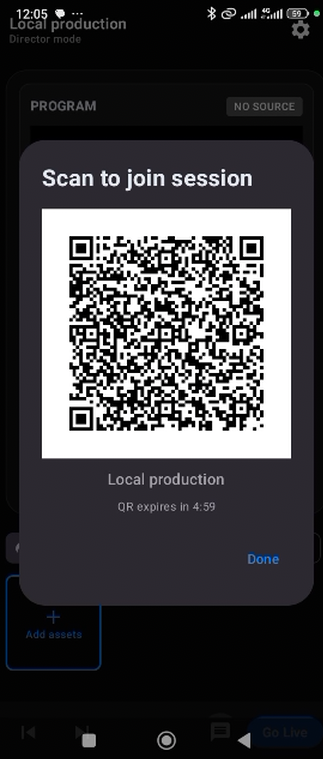
Scan. Join. Shoot.

A camera crew in three taps.

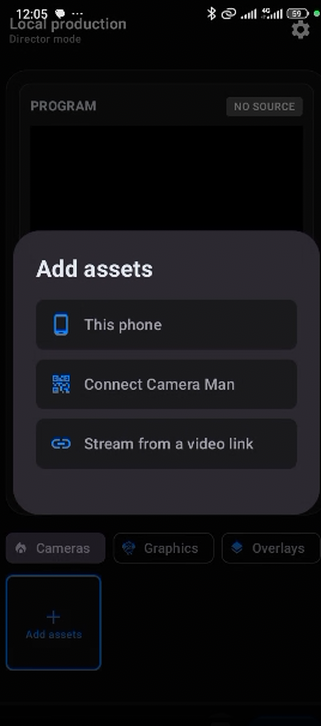
The director opens a session. Each camera operator scans its QR code, selects Camera Man, and starts sending footage over the same Wi‑Fi network—or a phone hotspot when working phone-to-phone or with a tablet.

1

Open a director session

Use LivCast Go, Tab or Studio as your production desk.

2

Scan the QR code

Camera Man joins without manually typing connection details.

3

Send the angle live

The director previews, switches and takes the shot to program.

Scan to join LivCast session
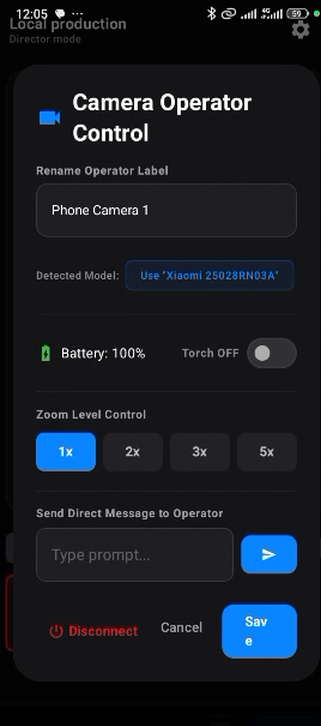
LivCast Camera Operator connection screen
LivCast source selection
Same Wi‑Fi or hotspot. Fast local connection between the director and camera crew.

Direct the camera crew

Control the shot.
Guide the operator.

Once Camera Man is connected, the director can shape the angle without interrupting the broadcast. Control camera zoom, switch the phone torch on or off, and send clear written direction from LivCast itself.

LivCast Go · 4 operatorsLivCast Tab · 8 operatorsLivCast Studio · 20 operators

Remote zoom control

Move closer to the moment from the director screen while the operator keeps the phone steady and focused on the action.

Turn the torch on or off

Respond to changing light immediately by controlling the connected Camera Man device's torch from the director.

Private or crew-wide direction

Message one operator—“pan right” or “change angle”—or send the same instruction to all 4, 8 or 20 Camera Man devices at once.

Made for ministry

Scripture belongs inside the story.

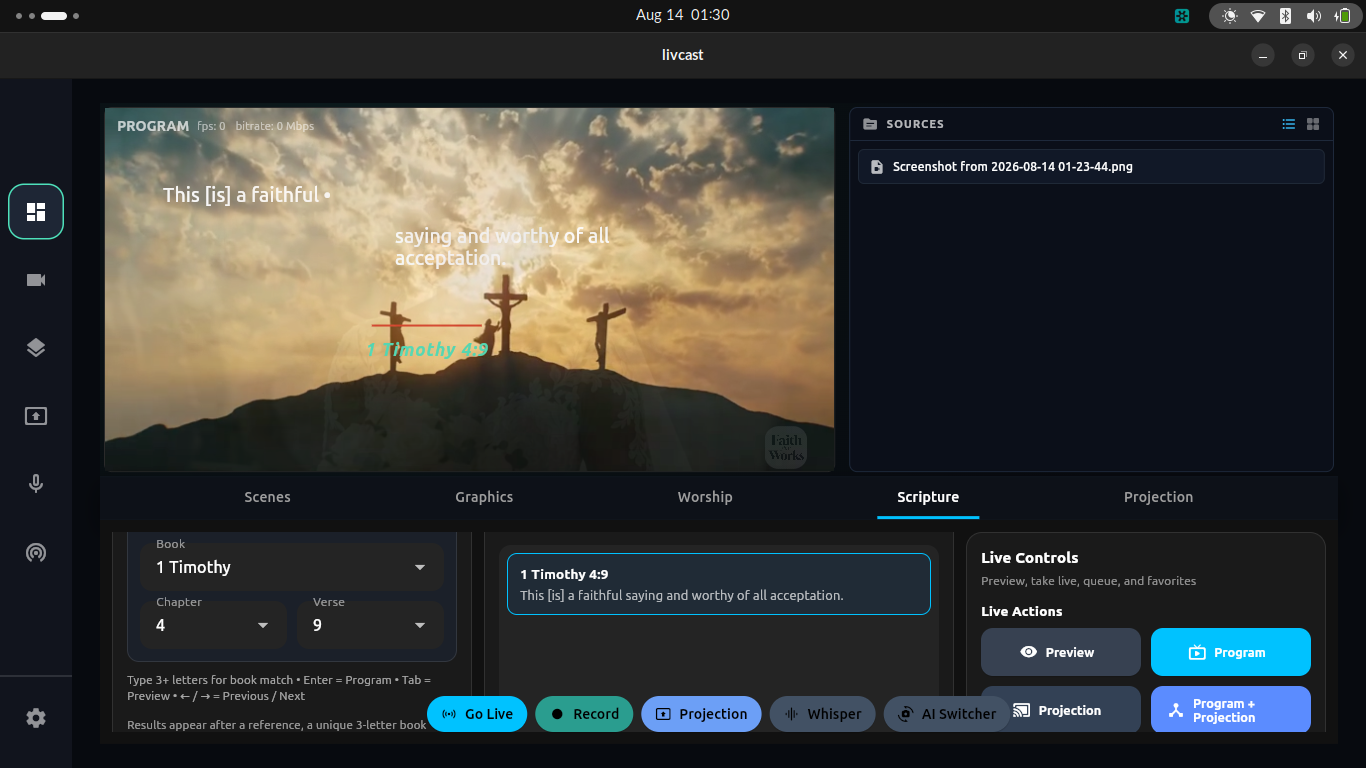
Every LivCast version includes the King James Version Bible. Find a verse and place it into your live production without leaving the director. Give online congregations context at the moment it matters.

KJV built inLive verse overlaysChurch-ready graphicsQuran coming soon
LivCast Studio scripture projection interface
Worship workflow, built inMove between live scenes, scripture, graphics, worship media and projection from the same production environment.

One tool. Every occasion.

Direct the moments
people remember.

Ready-made graphics—including countdowns and “Now Ministering” layouts—help every production look intentional before the first camera rolls.

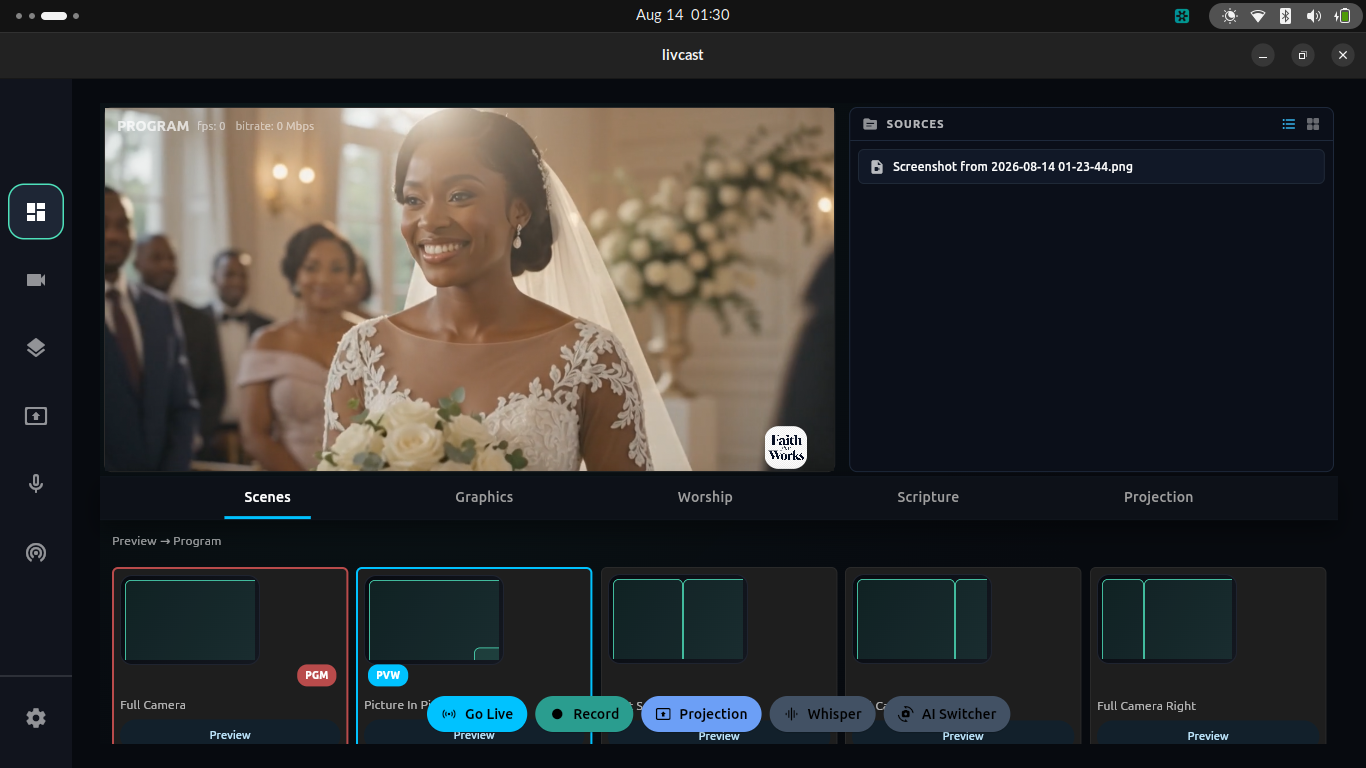
LivCast directing a wedding
Weddings & ceremoniesCover reactions, entrances and every meaningful angle.
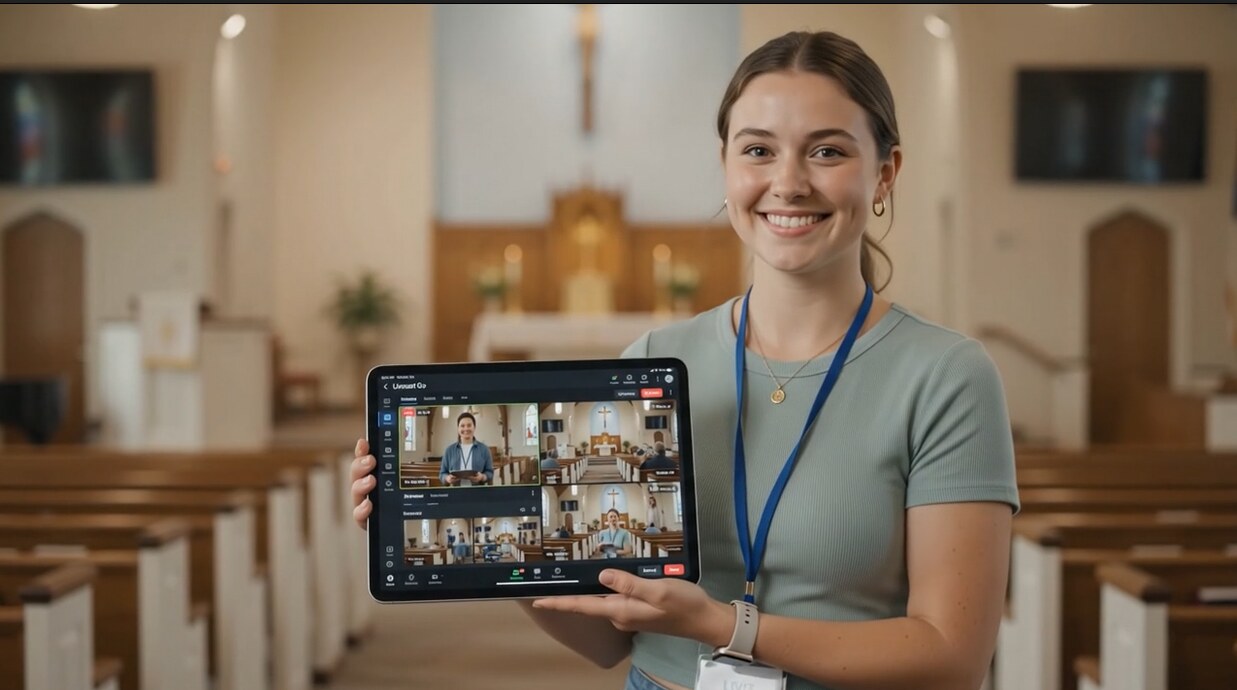
LivCast church production
Churches & ministriesBroadcast worship, messages and scripture.
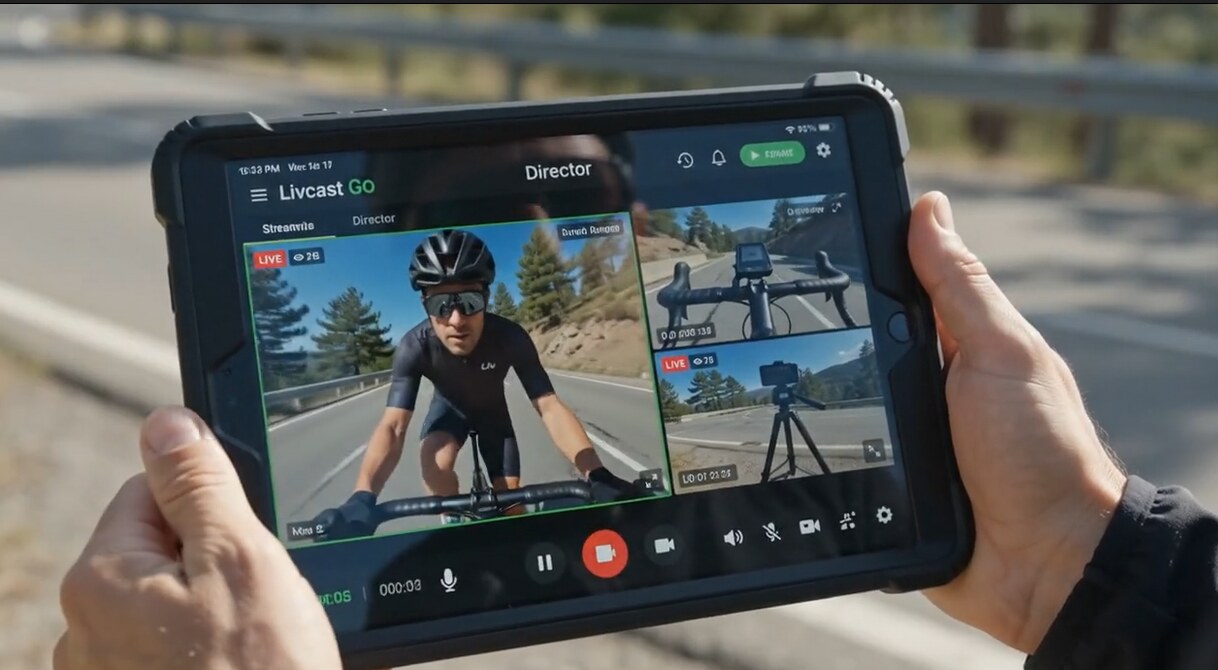
LivCast sports production
Sports & public gatheringsBring movement and scale into the live story.
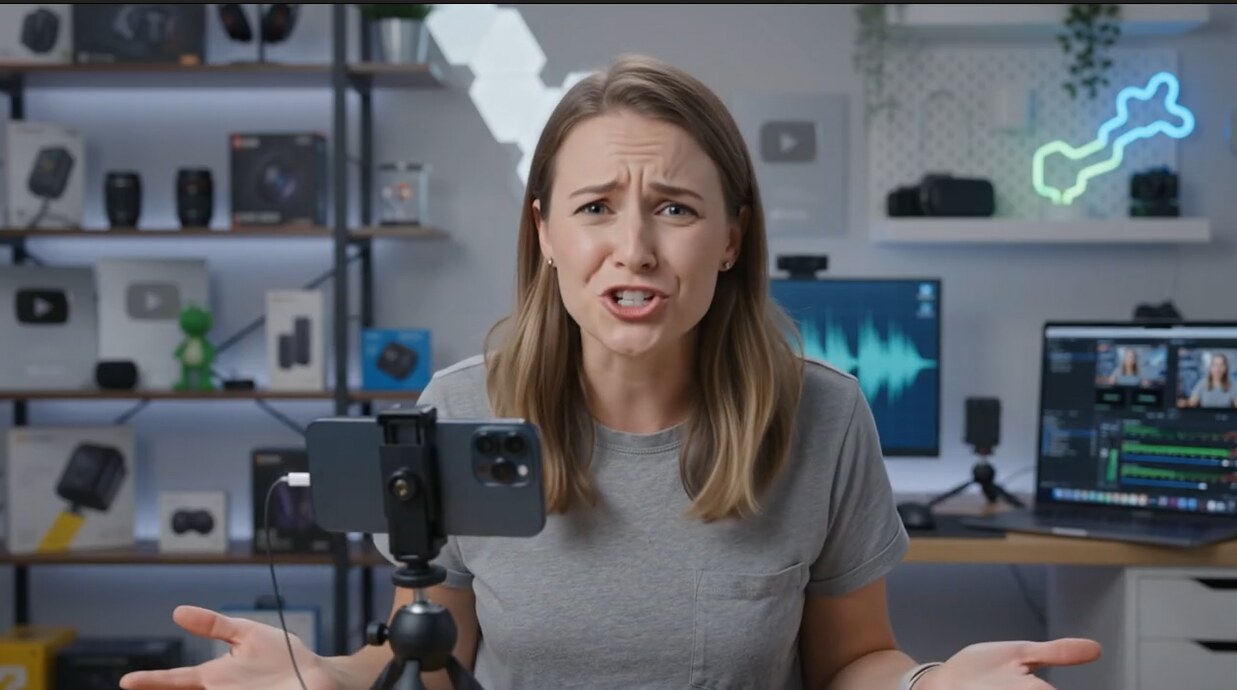
Creator using multiple LivCast cameras
Creators, birthdays & eventsTurn an everyday setup into a multi-camera show.

LivCast Studio

When the production
gets bigger, go further.

Studio expands the ecosystem to 20 Camera Man devices and professional inputs—from smartphones and DSLRs to cinema cameras such as the Sony FX6.

Scenes & live switching
LivCast Studio scenes and live switching workspace

Mix every kind of camera

Combine Camera Man smartphones with DSLR and cinema camera inputs in one production.

Up to 20 mobile angles

Build wide coverage for large worship services, political gatherings and ceremonies.

Production tools together

Scenes, graphics, worship, scripture, projection, audio and streaming remain close at hand.

Get LivCast

Start with the studio
already in your pocket.

LivCast Go for Android is available now. Tab and Studio are being prepared for release.

LivCast Go

Director and Camera Man in one Android app. Direct up to four mobile camera operators from your phone.

Download for Android

Android package. You may need to allow installation from your browser or file manager.

LivCast Tab

A distinct tablet interface for up to eight Camera Man devices, with a larger director canvas.

Coming soon

LivCast Studio

The desktop production environment for large crews, professional cameras and up to 20 mobile operators.

Coming soon

Common questions

Before you go live.

How does Camera Man connect to a director?

The director opens a session on Go, Tab or Studio. The operator scans the displayed QR code from the Camera Man side of LivCast Go, then sends footage over the same Wi‑Fi network or hotspot.

How many smartphones can I connect?

LivCast Go supports up to four Camera Man devices, LivCast Tab supports up to eight, and LivCast Studio supports up to 20, depending on the capabilities of your computer and network.

Can the director communicate with Camera Man?

Yes. The director can send a written instruction to one operator or broadcast it to the entire connected camera crew. Remote zoom and torch controls are also available for connected Camera Man devices.

Can I connect professional cameras?

LivCast Studio is designed to combine Camera Man smartphones with DSLR and cinema camera inputs. Go and Tab accept Camera Man devices, built-in cameras and video links.

Where can LivCast stream?

LivCast supports destinations such as Facebook and YouTube, including direct Facebook streaming, with additional platforms and custom stream workflows available according to the version.

Which religious texts are included?

The King James Version Bible is currently built into all three LivCast experiences. Quran support is planned for a future update.